Download Item shop free on android
APK file Item shop 6.2.2How to install APK / APKS / OBB file on Android
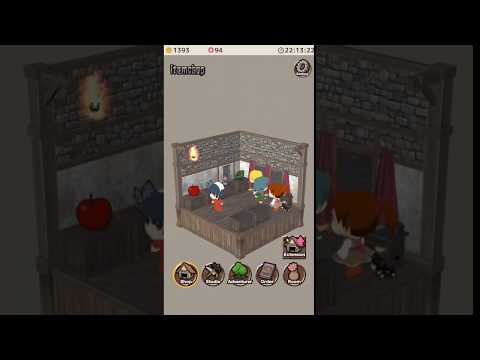

Put items up for sale and make some money!
Sell the items by placing them on the counter. Sometimes customers may request to buy a certain item. When the player is not in the shop, Mimi the cat will take the place to sell the item instead.
You can also combine items together to make whole new items!
Go to the bar and ask the adventurers to get the items and materials you would like to sell. There will be a limited number of adventurers you can ask at the start, but the number will increase as your fame goes up.
Let the Adventurer collect items for you to sell!
You can also create new items by combining two different items. However, the items created can also become trash if you make a mistake in the combinations.
Save up money so that you can expand and remodel your shop!
Save up money by selling many products and expand the shop size so that you can purchase items to decorate your room luxuriously.
- LicenseFree
- File nameItem shop
- File Version6.2.2
- Package namecom.digitalgene.itemshop
- Size33.79 MB
- UploadedJanuary 27, 2026
- Android6.0 or later

- CategorySimulation
- DeveloperDigital Gene
- Developer sitehttp://digital-gene.com/
- Developer emailcontact@digital-gene.com
- md5 hash02a1496b79c12e4c28319bf514e9e667
- Architecture-
- Permissionsshow (8)
